
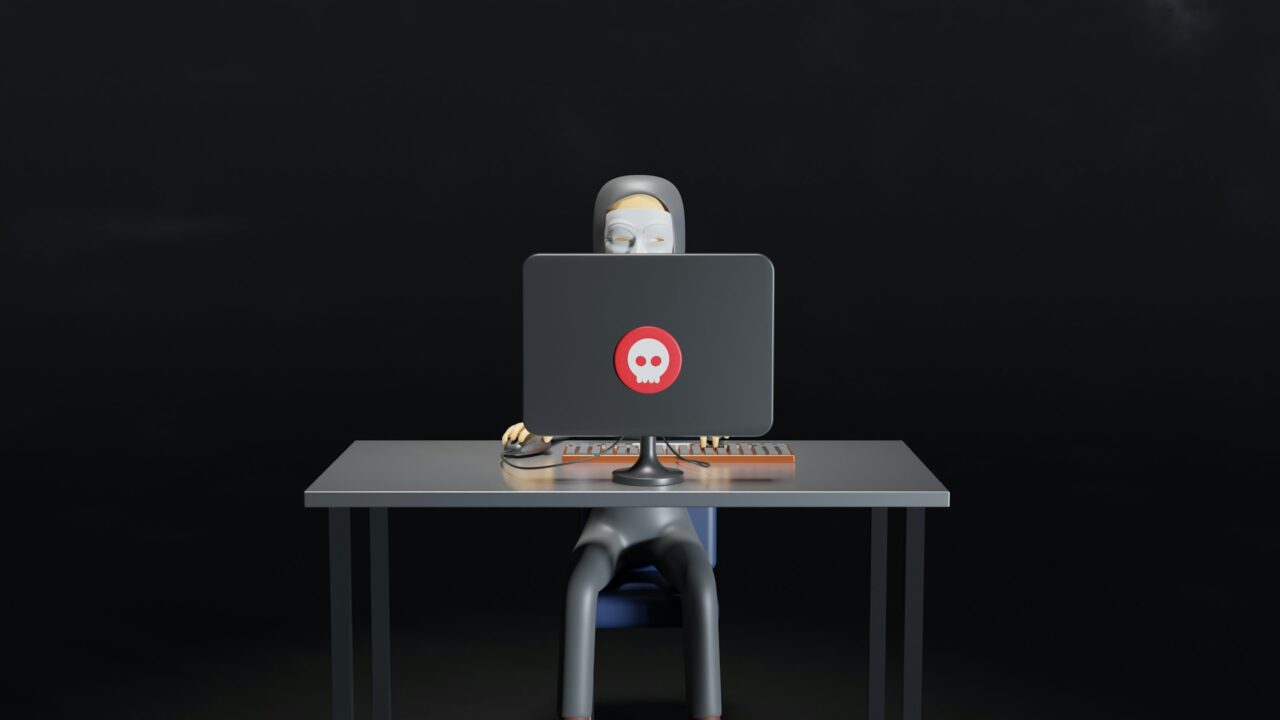
How seriously do you take home security?
You might think you’re taking it extremely seriously as you’re doing everything in your power to keep valuables secure and protected. You’re using an innovative home security system, the locks on your doors are very high-tech, and your windows are made from reinforced glass. These are all excellent steps – but you’re neglecting a key element of home security; your internet connection.
Having an unprotected internet connection makes it easy for you to be hacked. When this happens, you could lose loads of money and be at risk of devastating consequences. How do you prevent this? It’s far easier than it seems, and here are some top tips to avoid being hacked at home:
Don’t Click Suspicious Links
One of the main ways people get hacked is by clicking strange links online. Let’s not beat around the bush, we’ve all done it at least once. Some of us got lucky and nothing bad happened while others ended up in a very tricky situation.
These links usually come from phishing scams in your email or through text messages. Someone poses as a company you trust, claiming to offer something or alerting you to a problem. It’s very common around Christmas when fake delivery companies say there’s an issue with your delivery, and then provide a link for you to click. It all looks so real – but you should avoid clicking any links sent to you via email or text until you’ve carried out extra research.
Always check the recipient’s email address or phone number – they’re usually massive giveaways. Or, contact customer support for the company and say you received a message. They’ll confirm if it’s legit and you’ve avoided clicking a link that could get you hacked.
Keep Anti-Virus Software Updated
Everyone should download and install anti-virus software – most computers have it pre-installed nowadays. Windows Security is the most prevalent free software available and it does everything from scanning your PC for viruses to removing any malware. It’s very effective and works behind the scenes to keep you safe.
Regardless of what anti-virus software you use, it must be kept updated. Forgetting to update the software leaves holes in your defense and new threats can sneak in and make you a prime target for hackers. Enable auto-updates so the software is always equipped with the latest knowledge and tools to ensure your safety.
Install A VPN
VPNs are growing in popularity and have reached a point where they’re essential for home safety. Have you ever wondered, what’s my IP address? If so, a quick Google will instantly tell you – and that’s a problem! It means your IP is visible to the rest of the world – including potential hackers.
When they know this, they can use it to steal valuable information about you. It’s the easiest way to hack into someone’s network and gain access to their financial information, personal details, etc. You’re setting yourself up for identity theft or fraud, both of which can be financially devastating. A VPN will protect your IP and ensure hackers don’t see it. You’re putting a massive shield up, stopping outside eyes from looking in. It won’t be a 100% effective solution, but it will certainly reduce the chances of being hacked when browsing the web at home.
Create Stronger Passwords
Compromising your passwords is the most embarrassing way to be hacked online. It requires almost no effort from the hacker; anyone can do this with zero tech knowledge whatsoever. If someone can figure out your password for certain accounts, they will have access to loads of information and resources to strike a big blow to your finances.
For example, imagine someone guesses your PayPal password. They can send money to different accounts or use this to purchase things on websites.
It almost doesn’t deserve to be called “hacking” as there’s no skill involved! Prevent this by creating stronger passwords and using a different password for every account. Having the same password for everything is a recipe for disaster – you’re giving hackers a golden key to all your information!
Enable 2FA When Possible
2FA – or two-factor authentication – goes alongside stronger passwords as another layer of cyber security. Lots of websites either force you to use this or suggest it as an option. After providing your log in details and password, you’ll need another security check – this can be a login code sent to your email or text to your phone.
It’s very useful as you’ll a) see if someone is trying to hack your account, and b) keep all of your accounts extra safe. Use 2FA whenever it’s an option as it will be incredibly valuable.
Take cyber security seriously if you want to take home security as seriously as can be! Don’t just focus on the physical security elements around your home; do whatever you can to avoid being hacked online.
Image via Unsplash (CC0 License)



No Comments