
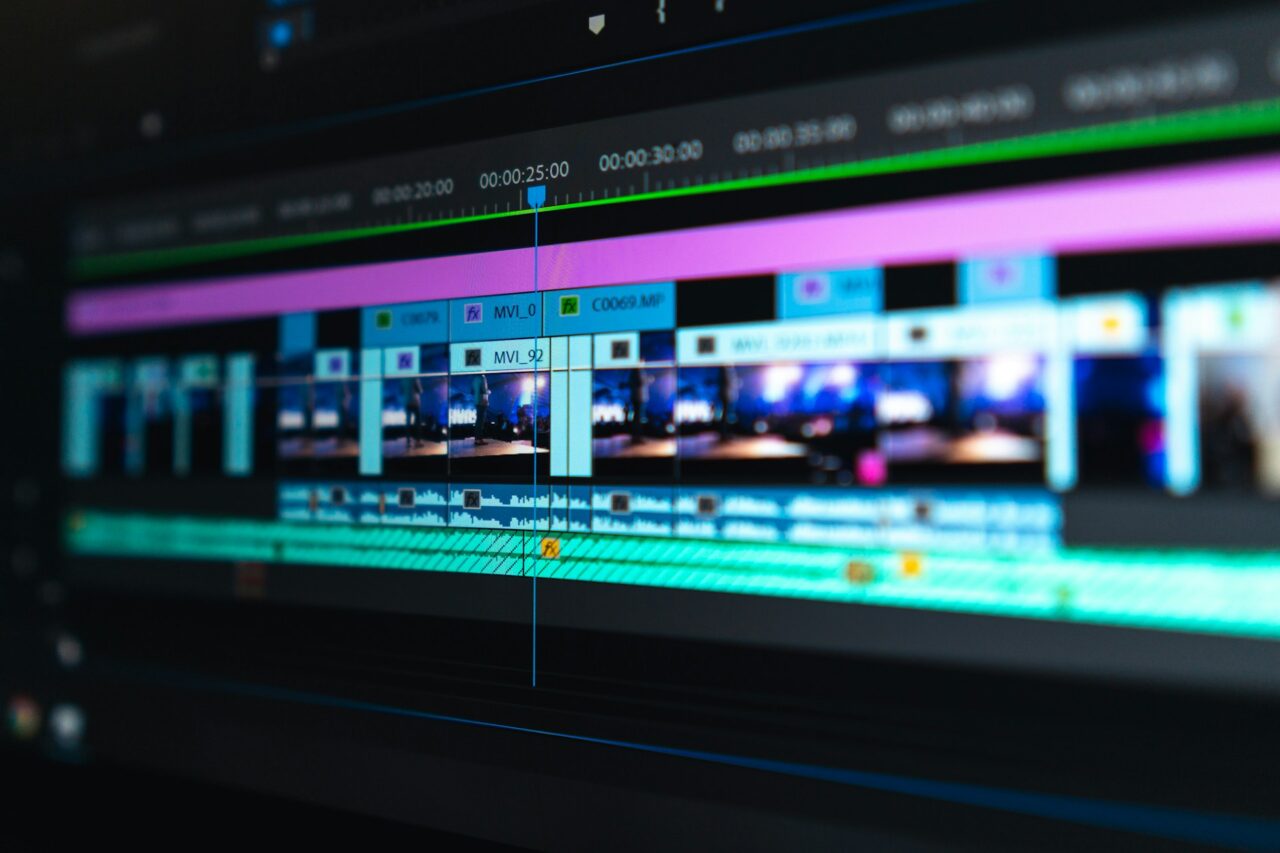
A single well-planned video can supply a brand with useful material for several weeks. The process, often called content repurposing, turns one substantial piece into shorter formats suited to different channels and audiences.
The best results come when you plan repurposing before you start filming. Clear sections, concise answers, and strong visual moments give you more options during editing. Instead of repeatedly searching for fresh ideas, your team can build a steady marketing schedule from material it has already researched and produced.
Start with a video built for reuse
Choose a topic with enough depth to support several distinct points. A ten-minute interview with a company founder could cover the brand’s origins, a common customer problem, the production process, and plans for the next year. Each answer can then work independently as a short clip.
Record clean audio and leave a brief pause between questions and answers. Also capture establishing shots, demonstrations, and close-ups that editors can use to cover cuts. Before filming, mark the moments that could become standalone assets. This preparation speeds up the edit and prevents every short clip from needing extensive explanation.
Create one strong master edit
Produce the main video first, as this becomes the source for everything that follows. It might be a product demonstration, customer story, tutorial, or expert conversation. Give it a clear beginning and a logical sequence so viewers can understand the subject without extra context.
If you want to turn one shoot into several weeks of content, plan the footage around the different formats you’ll need later. If your team lacks the time or resources to manage every stage in-house, bringing in outside help can make the process easier. A video production agency such as Fable Studios is one example of the support available when planning and producing footage for multiple uses. This preparation helps you create a range of marketing assets from the same shoot rather than arranging separate productions for each format.
Turn key moments into social clips
Image Credit: Unsplash
Review the master edit and identify sections that make sense on their own. A useful tip, surprising figure, or direct answer can become a 20- to 60-second clip for social media. Add a short opening line on screen so people immediately understand the subject.
Create vertical versions for mobile-first channels and square or horizontal cuts where those formats suit your publishing plan. Include captions for video content because they support accessibility and help people follow clips when sound is unavailable.
Don’t publish every extract in the same week. Space them across the calendar and vary the accompanying copy. One clip might introduce a problem, while another explains a practical solution or directs viewers towards the full video.
Build written content from the transcript
A transcript gives you a useful first draft for several written formats. Clean up repeated words and spoken filler, then pull out the strongest explanations. A ten-minute video might provide enough material for a 700-word article, three short posts, and a customer email.
Use the video’s structure as the basis for an article, but edit it for reading. Spoken sentences often need tightening and extra context on the page. You can also turn individual quotes into graphics or use a short list of lessons as a carousel.
Place these assets within a broader content marketing plan to boost your online presence. Linking related articles, clips, and landing pages helps interested readers move naturally between formats without seeing the same message copied word for word.
Map out several weeks of publishing
Create a simple schedule before releasing the master video. For example, publish the full edit on Monday, an article the following Thursday, and a short clip the next week. A quote graphic, email extract, and behind-the-scenes image can fill later slots.
Track each asset in a spreadsheet or project tool with columns for format, channel, publication date, and status. Give every item one clear purpose, such as attracting attention, explaining a feature, or encouraging viewers to visit a relevant page.
Refresh the material without repeating yourself
Reusing footage works best when each asset offers a suitable experience for its channel. A social clip needs an immediate point, an email needs a reason to click, and an article needs enough detail to reward the reader’s time. Adjust the wording, framing and call to action for each one.
You can also use older material when the subject becomes relevant again. Update any figures, replace dated screenshots, and record a new introduction if the main advice remains useful. Organise your library by topic instead of publication date to make suitable footage easier to find.
Once the first publishing run is complete, note which parts of the master video remain unused. That archive of answers, demonstrations and visual details may already contain the opening for next month’s campaign.
Image Credit: Unsplash



No Comments